Why this matters now
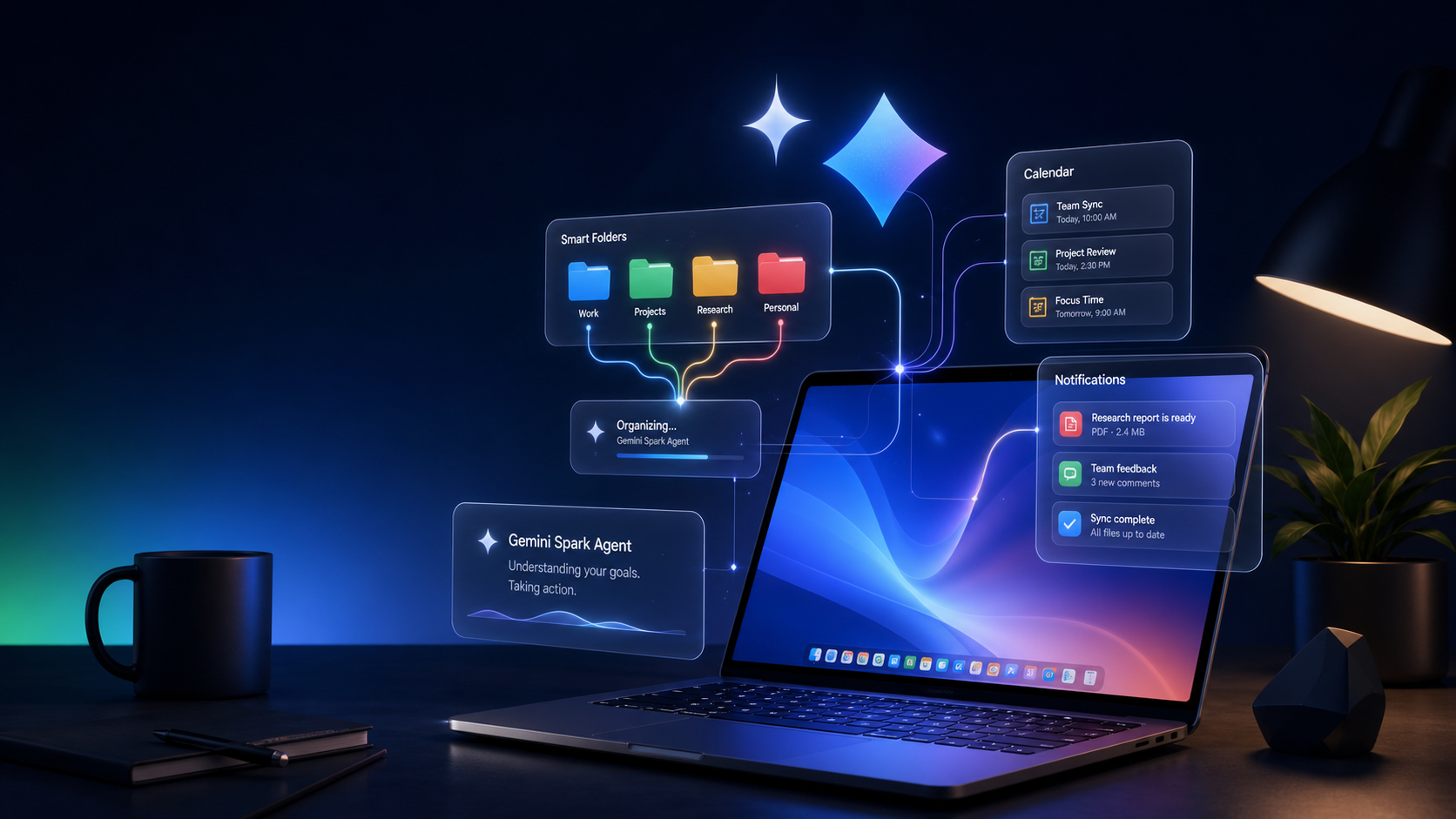
On June 30, 2026, Google shipped the biggest update to Gemini Spark since its I/O 2026 launch — three changes that move it from “smart chatbot” to “always-on desk agent”:
- macOS app (Beta) — Spark now runs natively on your Mac, automating files and apps inside your desktop environment, with remote task execution from your phone coming soon
- Connected apps + MCP — Google Keep, Tasks, Canva, Dropbox, Instacart, OpenTable, Zillow Rentals, plus custom Model Context Protocol support
- Real-time topic tracking — Spark monitors blogs, news, social media, finance, weather, sports, and email, sending push notifications when triggers fire
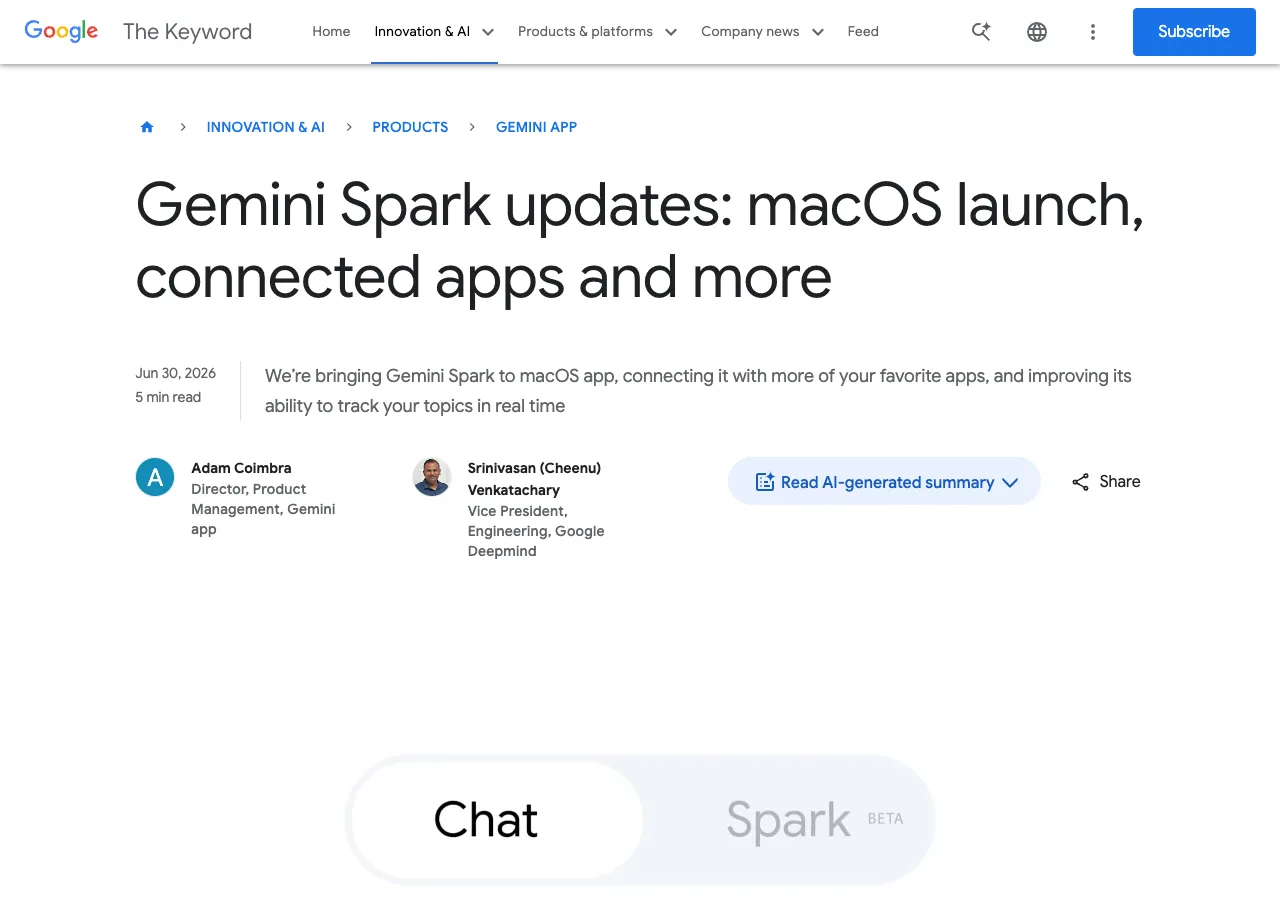
This is Google’s first concrete “always-on agent” product reaching real users — not a demo, not a research paper. It’s available today to Google AI Ultra subscribers.
It also fills the biggest gap in our coverage so far: Anthropic ships models and workbenches, Google ships a persistent agent that lives on your desktop and watches the web for you. Different thesis, same category.
The macOS desktop agent
Spark on macOS is not the Gemini web app in a desktop wrapper. It runs as a persistent background agent with file-level access (user-permissioned) and can:
- Sort files across directories — “sort all PDFs in Downloads into specific folders”
- Create documents from desktop data — “build a budget spreadsheet using the latest invoices saved to my computer”
- Schedule recurring tasks — “create a schedule to update it regularly”
The killer feature in the pipeline is remote task execution. You’ll be able to assign a multi-step task from your phone — “find the Q3 sales report on my Mac, pull the total revenue, and email it to me” — and Spark executes it while you’re away. No need to leave the machine on with a remote desktop session. Your Mac does the work, your phone gets the result.
| Feature | Status |
|---|---|
| macOS native app | Beta, available now |
| Desktop file automation | Beta, available now |
| Remote task execution from phone | ”Coming soon” |
| Eligibility | Google AI Ultra subscribers, 18+, US only |
| Download | gemini.google/mac |
See it in action: Google’s announcement post includes a demo video showing Spark monitoring internship openings in real time, and the macOS file-sorting workflow.
Connected apps and MCP support
Spark now integrates with two categories of services:
First-party: Google Keep and Tasks. You can dump scattered notes into Keep and ask Spark to consolidate them into action items in Tasks — a thin but useful pipeline that saves a manual migration step.
Third-party: Canva (design flyers), Dropbox (file access and sharing), Instacart (grocery orders), OpenTable (restaurant reservations), Zillow Rentals (apartment tours). The mix is consumer-oriented — this is clearly aimed at personal productivity, not enterprise workflows.
More important for builders: custom MCP support. At gemini.google.com/apps, you can enter a custom app link to connect Spark to any service that exposes an MCP endpoint. This opens Spark to the same ecosystem that Claude Code and other agent platforms use. If you’ve built MCP servers for your own tools, Spark can consume them.
The connected apps roll out over the next week on web and mobile. macOS integration “in the coming weeks.”
Real-time topic tracking
This is the feature that changes Spark’s category. It’s an always-on monitoring agent:
- Sports — “send me highlights and analysis the moment my team’s match ends”
- Finance — “notify me if this stock hits $X”
- News, blogs, social media — monitor specific sources and notify on new content
- Shopping — track price changes
- Email — watch for specific message patterns
The architecture is simple but well-executed. Spark monitors from the cloud side (not your machine), so it doesn’t drain battery. When a trigger fires, it sends a push notification. You respond inline to refine or act.
This competes directly with standalone monitoring tools (Google Alerts, Mention, IFTTT) and erodes the use case for multi-provider agent setups — if Spark already monitors your topics and triggers actions, the need for a separate monitoring pipeline drops.
Decision framework
Use Spark on macOS if:
- You’re already in Google’s ecosystem (Gmail, Drive, Keep)
- You need persistent file automation on your desktop — sorting, reporting, recurring tasks
- Real-time monitoring across news, finance, and email matters to your workflow
- You’re a solo operator or small team — the app integrations are consumer-grade
Wait or skip if:
- You need enterprise access controls or team workspaces (Spark is a personal agent)
- Your workflows are outside Google’s app ecosystem (the third-party list is short)
- You need deep API access beyond MCP — Spark doesn’t expose programmatic endpoints yet
- You’re outside the US — macOS beta is US-only for now
Trade-off: Spark trades depth for breadth. It connects to more services than Claude Code or Sonnet 5 agents, but each connection is shallower. It’s a generalist personal agent, not a specialist coding or science tool.
The bottom line: Gemini Spark’s June 30 update is Google’s most concrete agentic product move this year. The macOS agent, third-party integrations, and real-time monitoring together make it the closest thing to a “digital assistant” that any major AI company has shipped. It still has gaps — US-only, consumer-focused integrations, no team features — but the direction is clear.
Related reading
- Claude Sonnet 5: Agentic Coding at Opus-Level for Half the Price
- Multi-Provider AI Gateways: Fallback Routing
- Introducing Open TechStack: Practical AI Analysis for Builders
Sources
- Google Blog — Gemini Spark updates: macOS launch, connected apps and more
- 9to5Google — Gemini Spark now supports 3rd-party apps, including MCP, adds real-time topic updates
- Google I/O 2026 — Welcome to the agentic Gemini era
About the author
Charles Jasthyn De La Cueva is a full-stack developer and the founder of Open TechStack. He writes about AI engineering, developer tools, and practical model evaluation — grounded in real workflows, not press releases.