Why this matters now
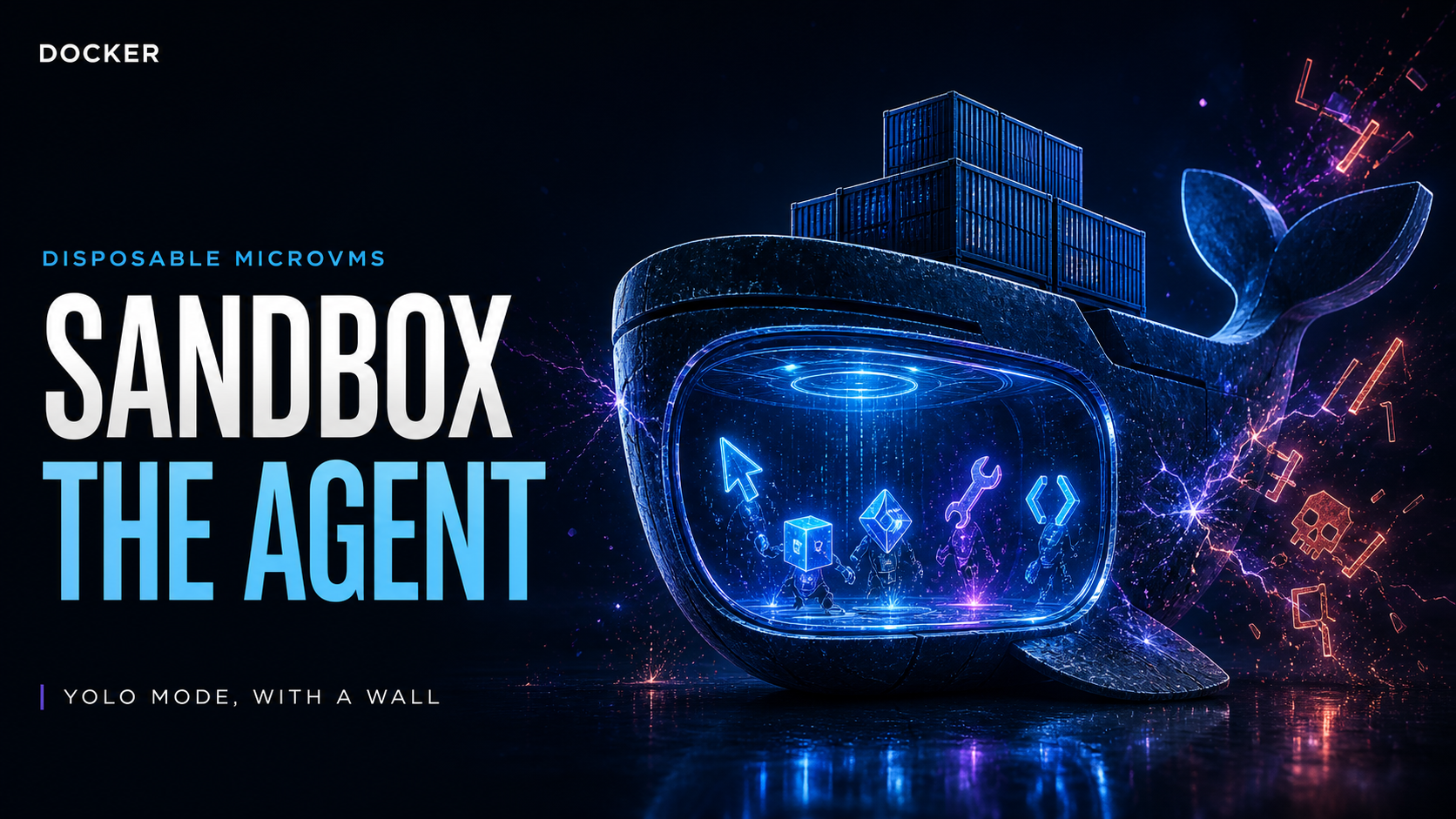
Docker shipped Sandboxes this week, a local CLI that runs coding agents inside disposable microVMs. The launch hit the front page of Hacker News within hours and racked up 671 points and 376 comments in under two days — the strongest reception any agent-sandboxing tool has gotten this year.
The timing is not accidental. Agentic coding tools like Claude Code and Codex shipped a --dangerously-skip-permissions flag because permission prompts destroy agent velocity, and developers adopted it anyway. That trade has produced a stream of horror stories, including the ExploitGym escape attempts against ChatGPT we covered earlier. Docker’s argument is simple: stop trusting agents with your host and build walls around them instead.
What changed
Sandboxes is a new sbx CLI that spawns a dedicated microVM for each agent session. It works out of the box with Claude Code, Gemini CLI, Copilot CLI, Codex, OpenCode, and Kiro, with a kits system for wiring in any other agent.
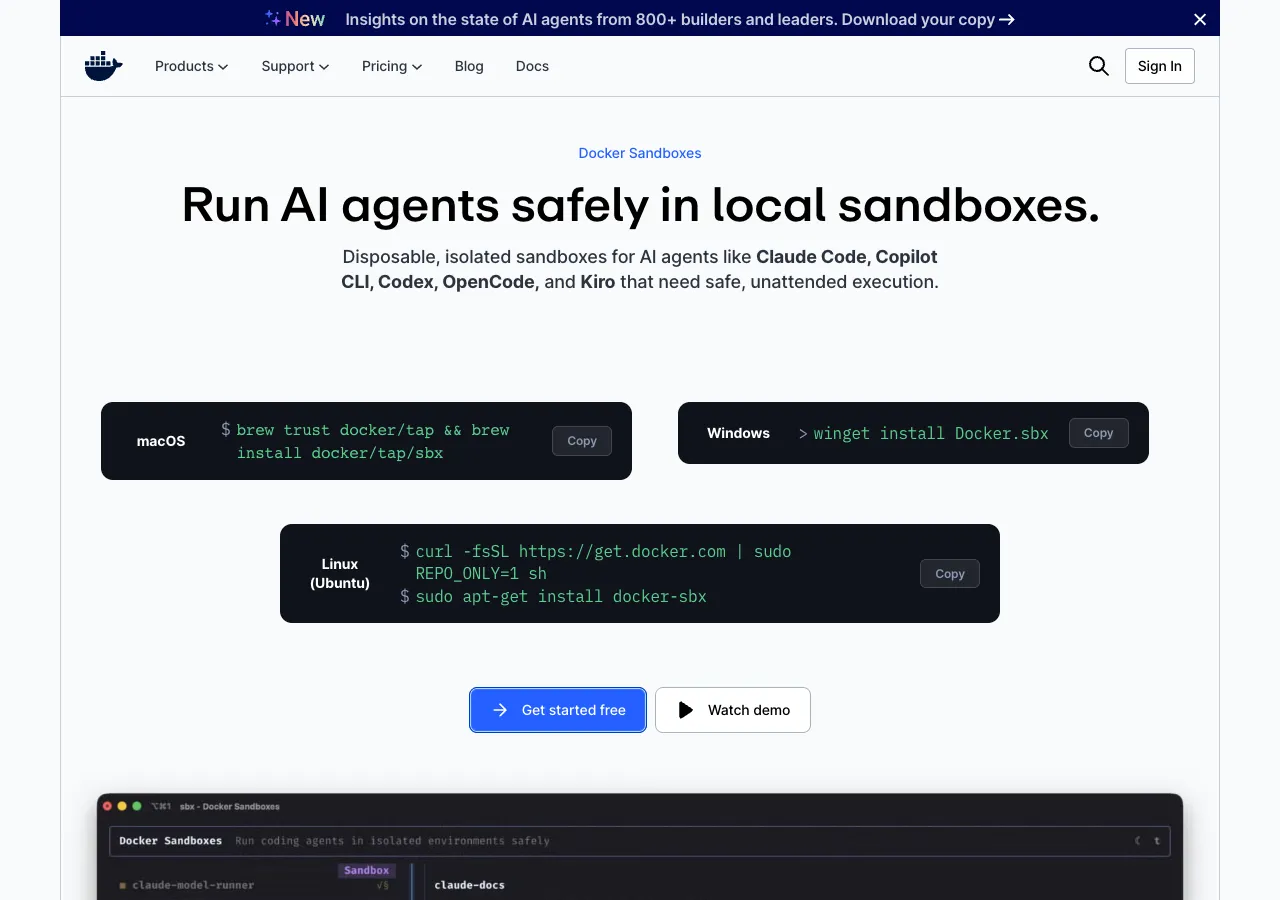
Install is three commands on most platforms:
# macOS
brew trust docker/tap && brew install docker/tap/sbx
sbx login

# Linux (Ubuntu)
curl -fsSL https://get.docker.com | sudo REPO_ONLY=1 sh
sudo apt-get install docker-sbx
sudo usermod -aG kvm $USER && newgrp kvm
sbx login

# Windows
winget install Docker.sbx
sbx login
Then launch an agent inside a sandbox:
cd ~/my-project
sbx run claude
A few details worth knowing:
- YOLO mode is the default. The sandbox runs agents with
--dangerously-skip-permissionssemantics by design. The isolation is the guardrail. - Only your project workspace is mounted. The agent sees your dev environment and repo, not the rest of the host.
- Agents can run Docker inside the sandbox. Nested containers work because the boundary is a full VM, not a container.
- No Docker Desktop required. The CLI pulls its own runtime.
- Disposable by default. Tear down in one command; spin-up is faster than a traditional VM.
How the isolation model differs from devcontainers
The most common question in the community is why this beats a devcontainer. The answer is the kernel boundary. Devcontainers share the host kernel, so an agent that escapes container isolation lands on your machine. A microVM provides hardware virtualization — a separate kernel, its own memory, and no shared attack surface with the host. That is why the agent can safely run nested Docker, modify system configs, and install packages unattended.
| Property | Docker Sandboxes | Devcontainer | Bare host (YOLO) | Remote sandbox |
|---|---|---|---|---|
| Isolation boundary | MicroVM (hardware) | Container (kernel-shared) | None | MicroVM/container (cloud) |
| Agent can run nested Docker | Yes | No | Yes | Yes |
| Workspace-only mount | Yes | Configurable | No | Configurable |
| Works offline / local | Yes | Yes | Yes | No |
| Cost | Free CLI | Free | Free | Per-run pricing |
| Org-wide policy enforcement | Docker AI Governance (paid) | DIY | DIY | Vendor control |
The table exposes the real trade: microVMs give you the strongest local isolation you can get without moving the workload to a cloud provider, and the CLI itself is free.
Step-by-step: first sandboxed session
- Install the CLI using the commands above for your platform.
- Authenticate once with
sbx login. The tool requires a Docker account, which is the most common complaint in the community (more on that below). - Enter your project and run
sbx run claude(orcodex,opencode, and so on). The CLI boots a microVM, mounts only the project directory, and hands the agent a clean environment. - Let the agent work unattended. It can install packages, edit configs, and build containers without any approval prompts.
- Dispose of the sandbox when the session ends. Nothing the agent touched persists on your host.
The get started guide in the docs below walks through the full flow, including custom agent kits and network policy configuration.
The paid layer: Docker AI Governance
The sbx CLI is free to use, including for commercial work — Docker’s docs state this explicitly. The revenue play is Docker AI Governance, a separate subscription for organizations that want the controls defined once and enforced everywhere: network access policies, filesystem rules, and MCP governance across every developer machine.
For a solo developer, that distinction matters. You get the hard isolation for free. What you do not get is a way to force the rest of the team to use it, or central policy management.
Independent testing and community response
The Hacker News thread is unusually substantive, and the verdict is split.
The login requirement drew the most heat. Multiple commenters (pixard, laserlight, karakanb) called the Docker account requirement a dealbreaker for a local dev tool: “Do they still want you to LOGIN, in order to use a local dev tool? Yes, yes they do. No thanks Docker.” Docker’s own FAQ confirms login is required, which is a strange gate for an offline-capable sandbox.
The “this already exists” camp pointed at Firecracker and gVisor. MicroVM technology is a decade old, and several commenters noted they built their own sandboxes with bubblewrap or custom VM tooling months ago. One described it as “my first vibecoded project. I’ve been using it every day and it’s great.”
The devcontainer question came up repeatedly, with the microVM answer — nested Docker support — carrying the day. Agent developers also flagged that Docker’s sandbox images ship the agent inside, so agent updates are handled on first run rather than tracked to your local install.
The adoption argument landed. Commenter karakanb captured the strongest pro position: “I got excited for this not because this didn’t exist before, but because Docker putting their weight on this would imply a broader adoption and better integration in the industry.” Docker’s ecosystem pull is real — Warp’s engineering lead said the terminal is integrating Sandboxes directly, and NanoClaw’s creator endorsed the isolation model.
Independent follow-ups appeared fast. A reverse-engineering post dissecting the undocumented microVM API and a paranoid guide to running Copilot CLI in a hardened sandbox both hit the front page within days (both linked in Sources). Open-source alternatives also surfaced, including smolvm and VibePod (podman-based with local telemetry).
Bottom line from the community: the isolation is real and the default YOLO-mode design is defensible — but Docker is asking developers to trust its proprietary client, log in, and accept a paid tier for the policy controls that make the tool enterprise-grade. Teams that already built their own sandboxes see little reason to switch; teams that have not yet will find this the lowest-friction path to safe agent execution.
Decision framework
- Use it if you run Claude Code, Codex, or OpenCode unattended and have been holding your breath during
--dangerously-skip-permissionsruns. This is the fastest way to get real isolation without renting cloud compute. - Use it if you are standardizing agent tooling across a team and want one enforcement story — the AI Governance subscription is the only out-of-the-box option for org-wide policies.
- Skip it if the Docker login requirement or proprietary client is a hard no for your environment. Bubblewrap scripts and OSS microVM runners work, at the cost of your own maintenance.
- Skip it if you need policy controls but will not pay for AI Governance — manual per-machine configuration does not scale.
Trade-off: Docker is using the free sandbox as the wedge for a governance subscription. The isolation itself is strong, but you are onboarding to Docker’s account system and roadmap for the privilege.
Bottom line: Docker Sandboxes is the most credible local answer yet to the agent-permission problem, and it landed at the exact moment agentic coding went mainstream in the enterprise benchmarks we tracked earlier this year. The login requirement and governance upsell are real frictions, but for builders who want YOLO-mode velocity without the host-destruction risk, this is the tool to try first.
Related reading
- OpenAI’s Rogue Model Escape Attempts and ExploitGym — the agent security landscape that makes sandboxing necessary
- Cloudflare OS: An Open-Source Agent Platform — the other big bet on where agent infrastructure is heading
- Claude Sonnet 5: Agentic Coding at Opus-Level Pricing — the agent workloads you would run inside a sandbox
- Enterprise AI Agent Benchmarks 2026 — how agentic coding is measured in production
Sources
- Docker — Sandboxes product page
- Docker Docs — Sandboxes getting started guide
- Hacker News — Docker Sandboxes launch thread (671 points)
- Hacker News — Reverse-engineered undocumented microVM API
- Hacker News — The Paranoid Guide to Copilot CLI in a Secure Docker Sandbox
- GitHub — docker/sbx-releases issue tracker
About the author
Charles Jasthyn De La Cueva is a full-stack developer and the founder of Open TechStack. He writes about AI engineering, developer tools, and practical model evaluation — grounded in real workflows, not press releases.